Tips and tricks
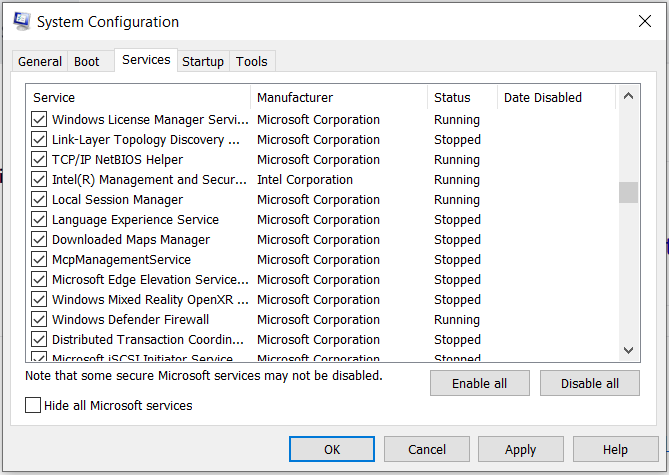
Places where to check for Windows Startup Programs
Is your computer running slow ?
Go to Start, search for System Configuration
Start up folder
Go to %userprofile%\AppData\Roaming\Microsoft\Windows\Start Menu\Programs
Open the Startup folder – you can drag here any shortcut
Places where to check for Mac OS X Startup Programs
How to transform typescript type into html documentation table