Tips and tricks
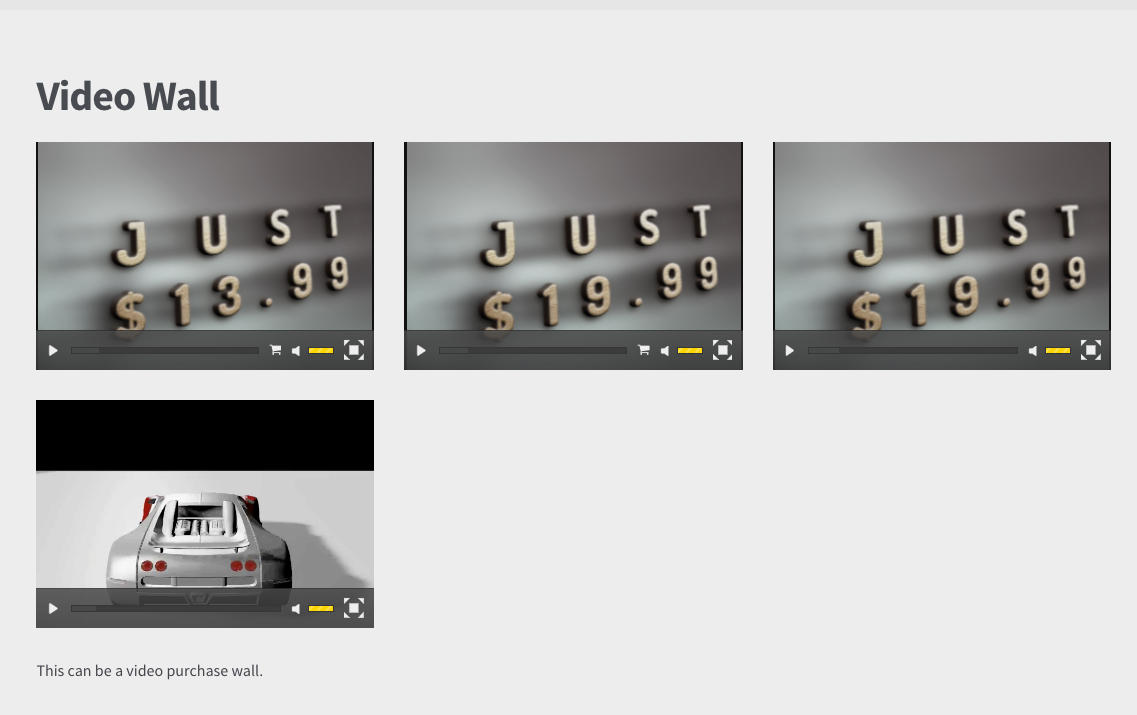
DZS Video Gallery - How to add video item purchase for woocommerce products
This feature has also been applied in casino games to preview the games, you can check the solomons king casino to see how it works. To replicate this example right here:
– http://zoomthe.me/wp_preview_dzswoo/sample-page/
Which shows a video wall with purchase button we only need to create a gallery with the mode wall selected
Sample data – here ( you can install this in video gallery from the gear menu in the top right )
Then you just need to link to product ids from the link menu on each item
