order keys of object useful for normalising objects for comparing or alphabetically
ARCHIVE
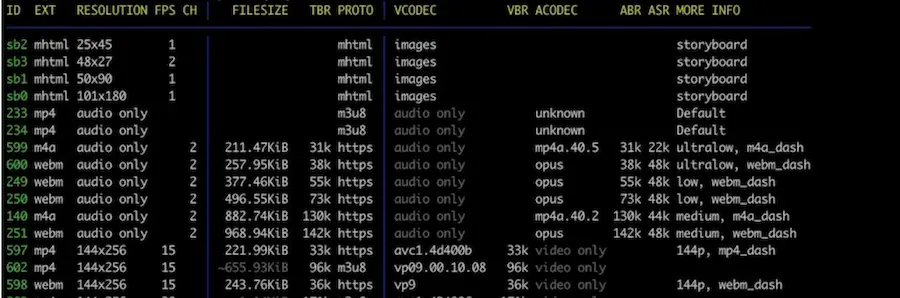
Install youtube dl Get the list of qualities Complete script: First Step In the first step, you choose the ID of youtube video. Second Step – Audio and Video Sources Here you choose the video and audio format. I would choose something like -> 136 mp4 1280x720 30 │ 42.80MiB 2098k https │ avc1.64001f 2098k
You can list the dotnet nuget sources with this command You can remove a source with this command

Run the command: you can then kill the process you find on the right of the LISTENING task you can add /F for force after taskkill

launch PowerShell and input the command then run: and input any script you wish

Write this class Then you can use it like so:
Recent Comments