Tips and tricks

First Time setup of IntelliJ Idea PHPStorm
First, I enable Soft Wraps

I use mouse 4 and mouse 5 clicks for Shrink Selection and Extend Selection

I map middle click to Previous Line Bookmark in Editor
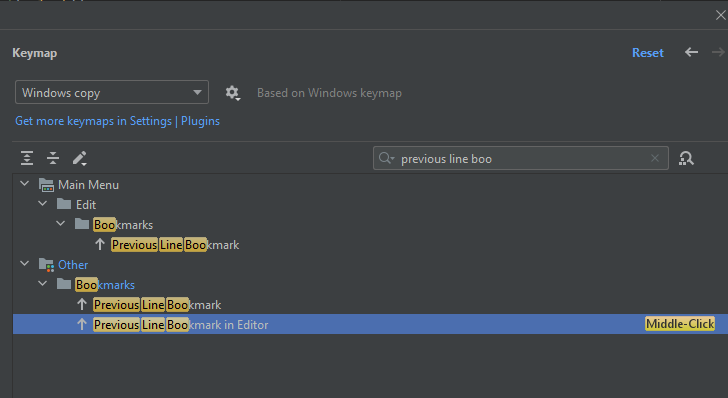
window appearance
disable members in the Status navigation

code folding
- Open the Settings dialog box.
- Under Editor > General, click Code Folding. Code Folding page is displayed.
- In the ‘Fold by default’ list, select the check boxes to the left of the code constructs you want to be displayed collapsed.
- Apply changes.
other tricks:
- use command + e + enter to switch two files
- use ctrl + tab to switch between files